BIG IDEAS.
BEAUTIFULLY
DELIVERED.
Your notes become a presentation, document, or PDF worth sharing.
Make something greatBring your brief.
We’ll bring it to life.
Start from a thought, your own files, or a template. Choose the direction, then let us bring it together.
Your idea.
Already taking shape.
Bring the brief. Choose a visual direction. We build the presentation and deliver a file you can open, share, or refine.
An illustrative workflow showing a brief, visual presentation creation, and a downloadable result.
Give your ideas a visual language.
Roadmaps, strategies, and explanations with a little more character. Choose our visual style when you create a presentation.
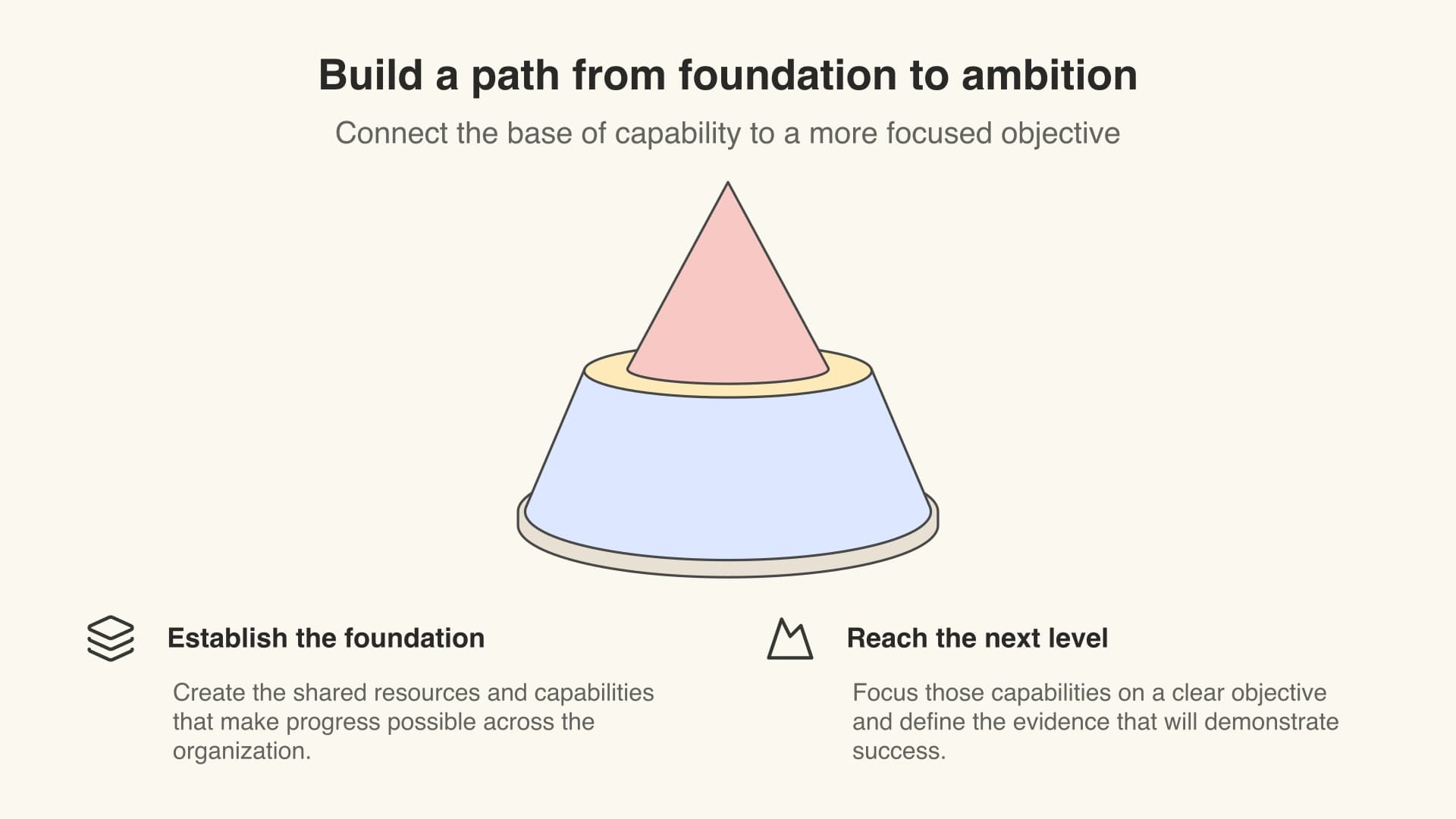
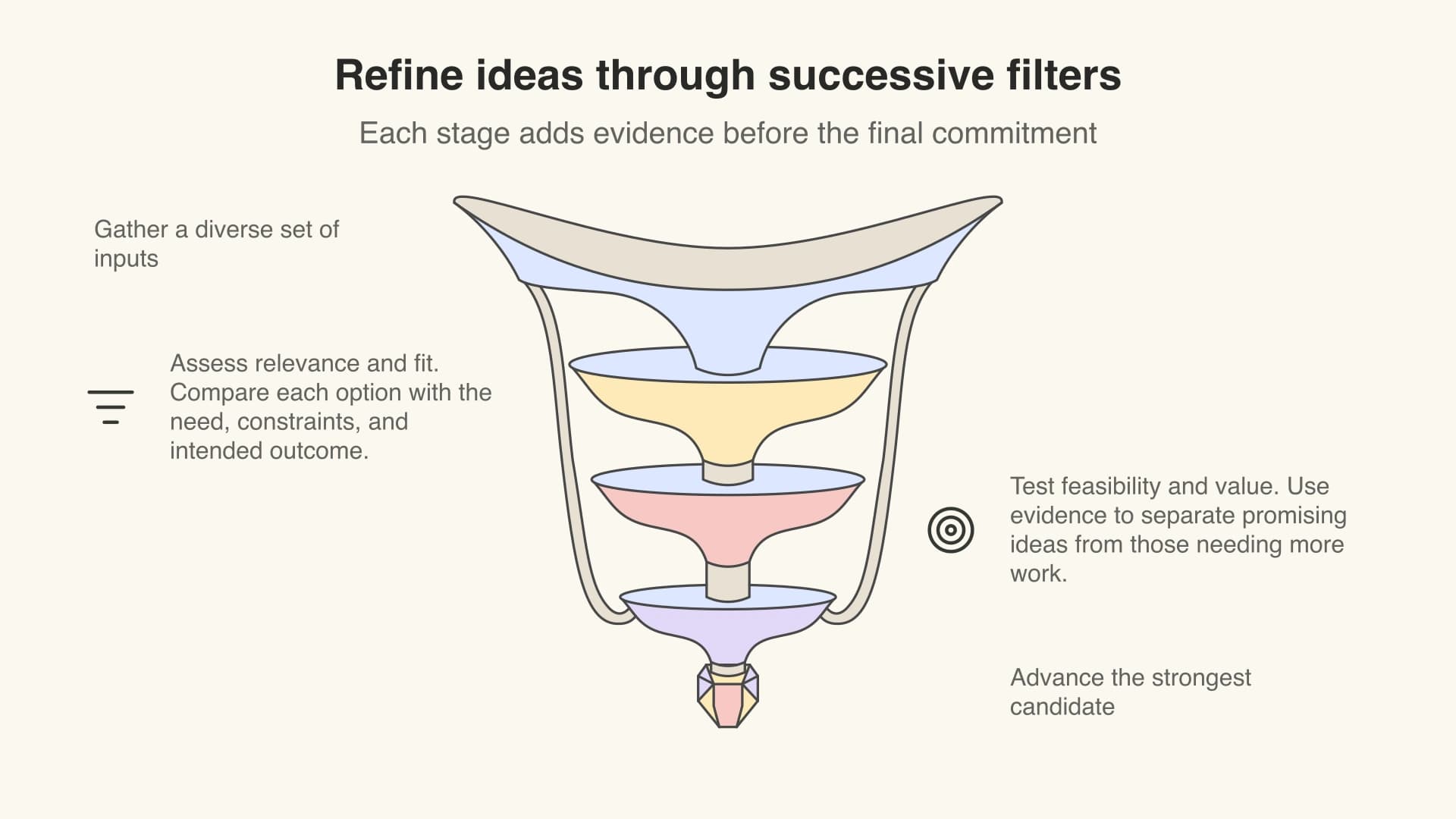
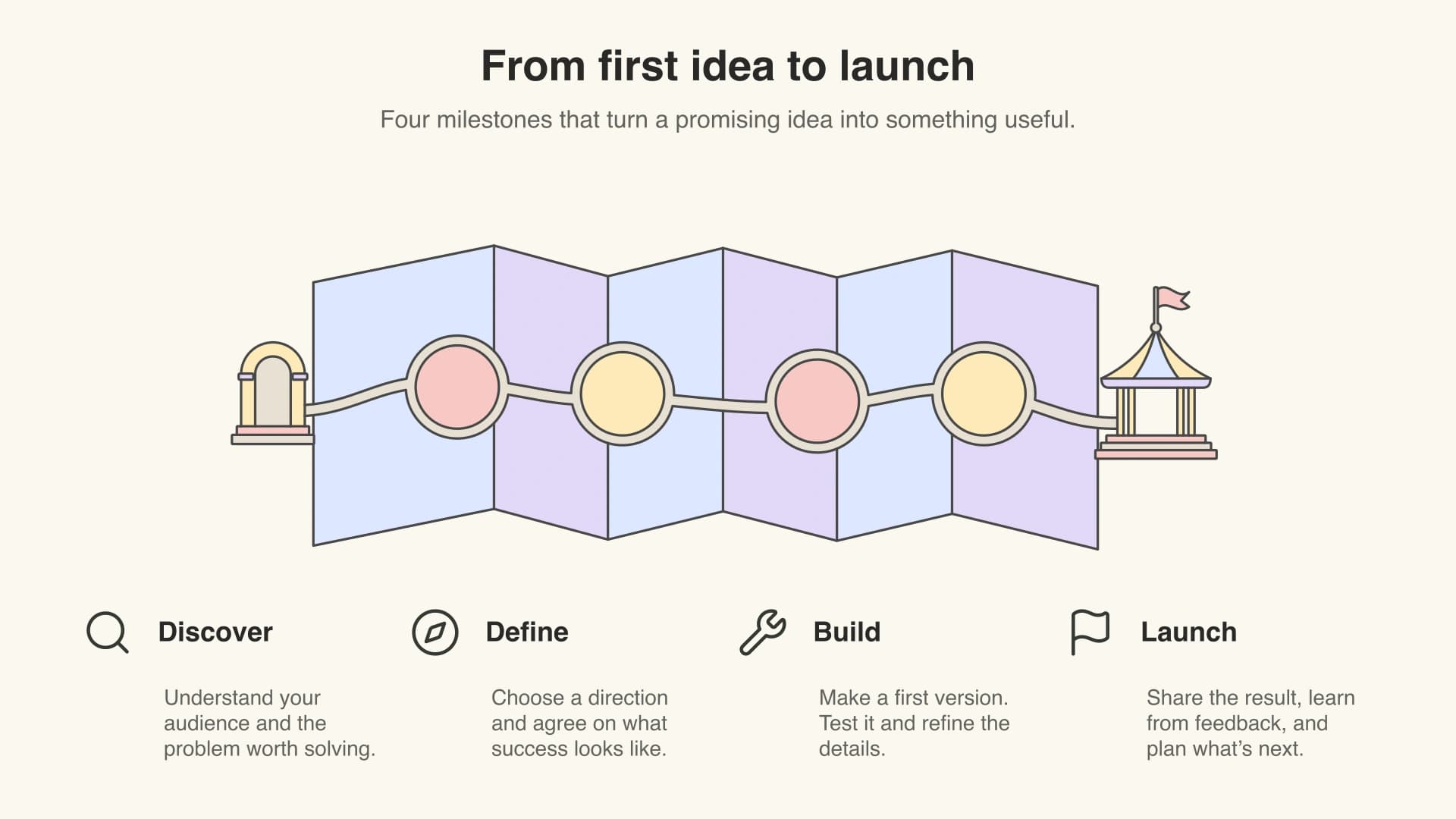
Your ideas.
Your visual language.
A little more you.
Color direction
Make the colors yours.
Bring your brand palette, or describe the mood you want. Ask us to adapt colors and styling as it creates your presentation.
Try a palette on this illustration. Include your preferred colors in your brief.
Presentation style
Choose how your story looks.
Choose an illustrated visual presentation or a classic slide layout. Start with a template, bring your own reference, or let your brief set the direction.
Visual artwork gives ideas character. Classic slides favor native text and shapes.
Next version
Keep shaping the result.
Open the finished PowerPoint, select the slide you want to change, and describe your edit. Ask for a clearer diagram, a different palette, or a stronger explanation.
Each follow-up creates a new version. Your previous result stays available.
The details deserve
good design, too.
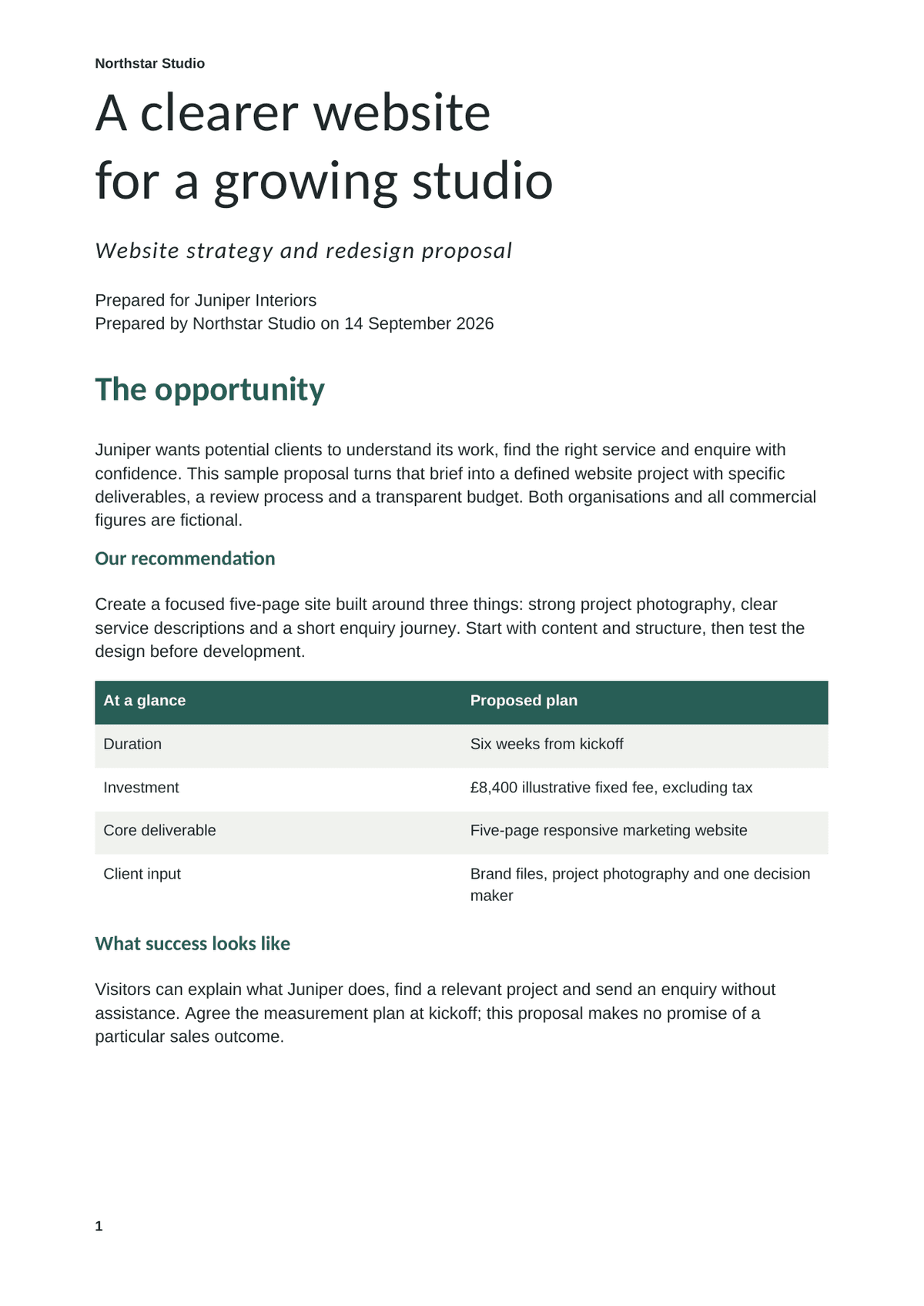
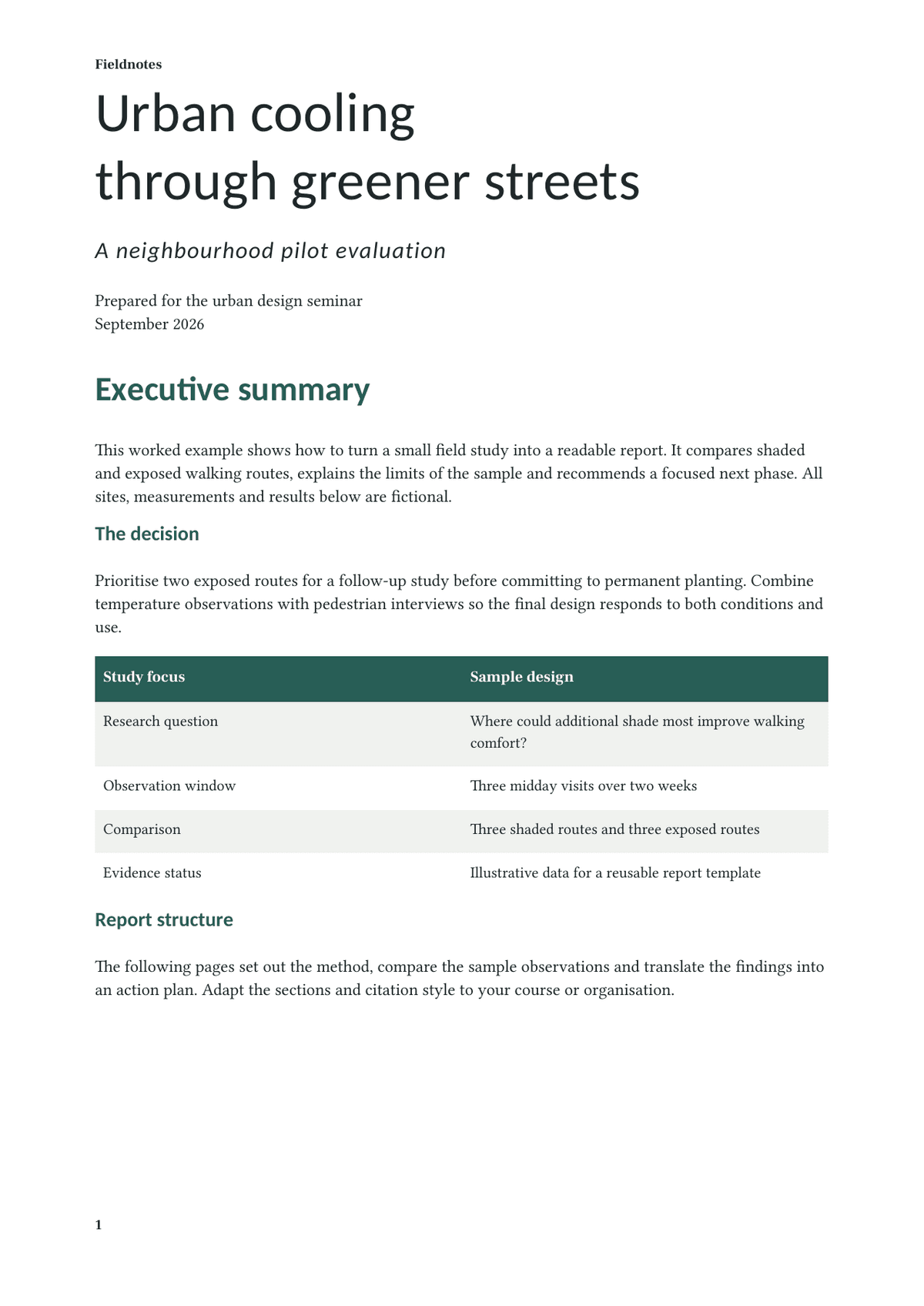
Turn research into a report, a brief into a client proposal, or a plan into a practical guide. Start with a template or bring your own structure.
Open the finished document, download it as Word or PDF, and ask for changes in the same conversation.
Word for the next edit.
PDF for the handoff.
Choose Word when you want to keep working in your own tools. Ask for PDF when you need a document ready to send. Your brief sets the delivery format.
Delivery plan
Work with what you have
A better version.
Still unmistakably yours.
Upload a PowerPoint, Word document, or PDF and describe the changes. We work from your file, preserving the content and style you want to keep.
Each follow-up creates a new version, so your previous result stays available.
Point to the part.
Tell us what changes.
Select a slide, a page, or a passage in your finished file. Add your instructions in chat. The next version builds on that file, while the previous result stays available.
Give the work its context
Your research.
Your starting point.
Bring source material, notes, and a template. Tell us what matters and who it’s for. Supporting files guide the work; the file you choose to edit is the one that changes.
Bring the evidence into one clear report.
From your first thought
to the final file.
A few things
you might ask.
What can I make with InstantSubmit?
Presentations, research reports, proposals, guides, and more. Describe what you need and ask for a PowerPoint, Word document, or PDF. You can start from a brief or bring an existing file to edit.
Can I bring my own files and templates?
Yes. Add supporting notes, research, and files to your request, or choose a template from your workspace. To edit an existing document, explicitly choose it as the file to edit. Supporting files stay untouched.
How do I ask for changes?
Open the completed file beside chat. Select a slide, PDF page or area, or a passage in Word, and describe the change. Each follow-up creates a new version; the previous file stays visible until the new one is ready.
Are PowerPoint and Word files editable?
Yes. Download native .pptx and .docx files and continue working in PowerPoint or Word. PDFs are ready to read and share; you can also request another PDF revision in InstantSubmit.
Do I need to keep the browser open?
No. Work continues on the server if you leave. Return to the same conversation to see progress, answer a question if one needs your input, and open the finished file.
How do plans and usage work?
Plans include an allowance for creating and revising files. The workspace shows your used and remaining percentage. Paid plans reset monthly. Visit Pricing for current plans and limits.